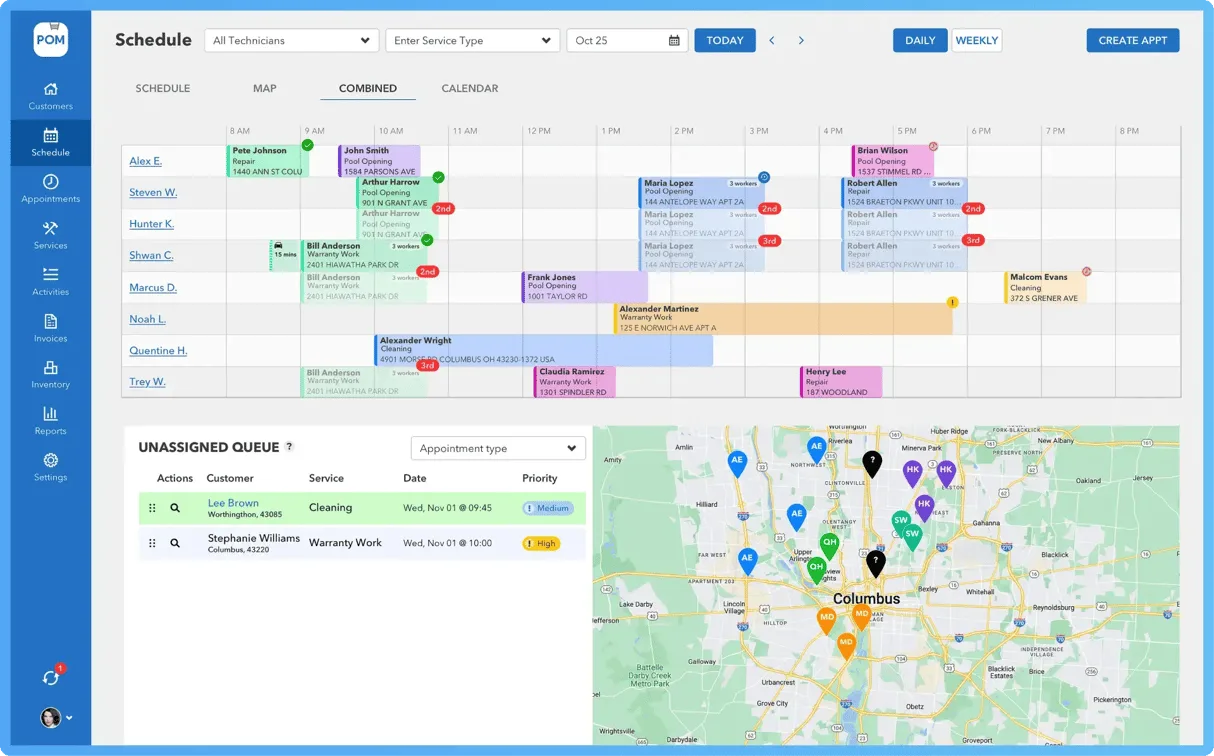
79/100
Pool Office Manager
Pool companies that need office scheduling and billing
Starting price: From $125/month first user
Home / Pool Service Companies / Pool Office Manager vs Paythepoolman
Side-by-side comparison
Use this comparison to narrow a shortlist before booking demos. The score is a directional editorial signal; the buying decision should come from testing your own workflow and confirming current vendor pricing.
79/100
Pool companies that need office scheduling and billing
Starting price: From $125/month first user
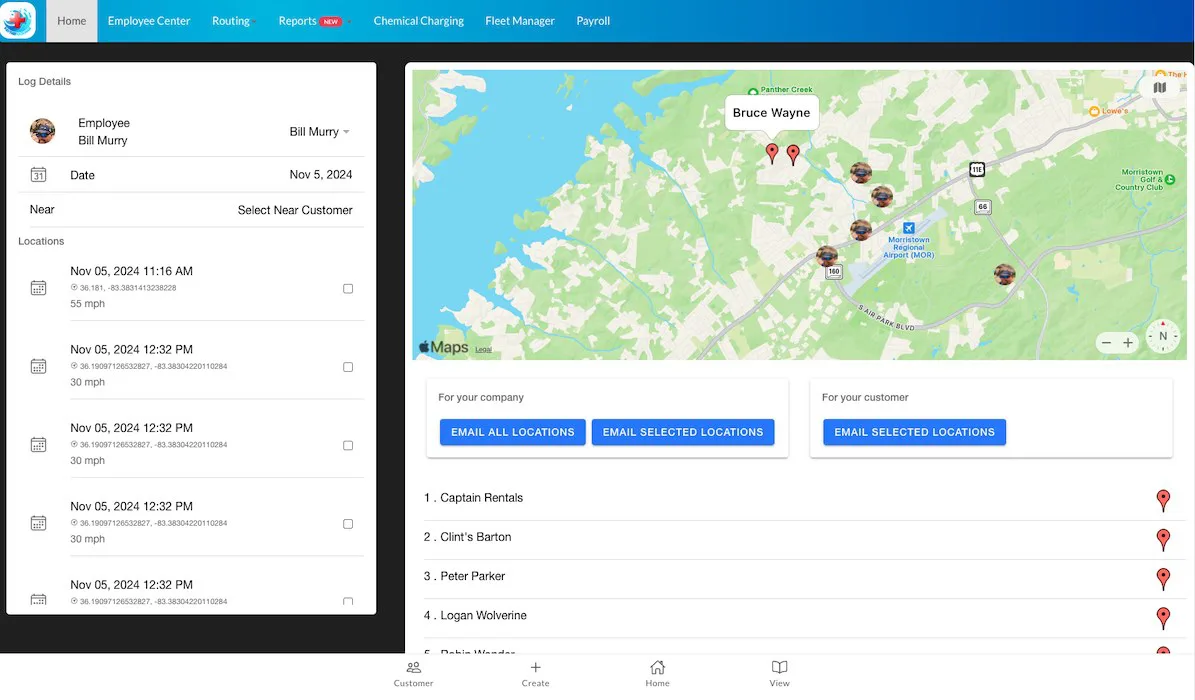
77/100
Pool service teams that want billing and route management
Starting price: From $65/month for 1 tech
| Question | Pool Office Manager | Paythepoolman |
|---|---|---|
| Best fit | Pool companies that need office scheduling and billing | Pool service teams that want billing and route management |
| Pricing signal | From $125/month first user | From $65/month for 1 tech |
| Verify before buying | July 22, 2026 | July 22, 2026 |
| Strengths to test | Official pricing page publishes first-user and additional-user pricing; Pool-specific workflow covers scheduling, chemicals, inventory, quotes, contracts, invoices, and QuickBooks integration; Seasonal user flexibility can matter for pool service teams | Official page includes an interactive pricing example by technician count; Strong pool-specific fit for billing, routes, service logs, customer communication, project management, and optional payroll/customer app add-ons; 30-day free trial and simple support messaging are useful for small teams |
| Watch-outs | Activation fee and QuickBooks add-on should be verified before buying; User-based pricing needs modeling for seasonal crews | Some power-ups and transaction/convenience fees need careful modeling; Pricing example should be verified for multi-tech teams before buying |
Choose Pool Office Manager if its best-fit workflow matches your current bottleneck more closely. Choose Paythepoolman if its pricing model, setup effort, or operating style feels easier for your team to adopt. If both look close, run the same demo script in each product and compare the total annual cost.
Pool service routes with readings, photos, and recurring visits
Seven practical questions to answer before you book a software demo.
A practical way to calculate plan upgrades, fees, add-ons, and migration time.
Plan a low-risk move from an old system without losing data or bookings.