Independent review
Home / Landscaping Businesses / Jobber
Jobber review.
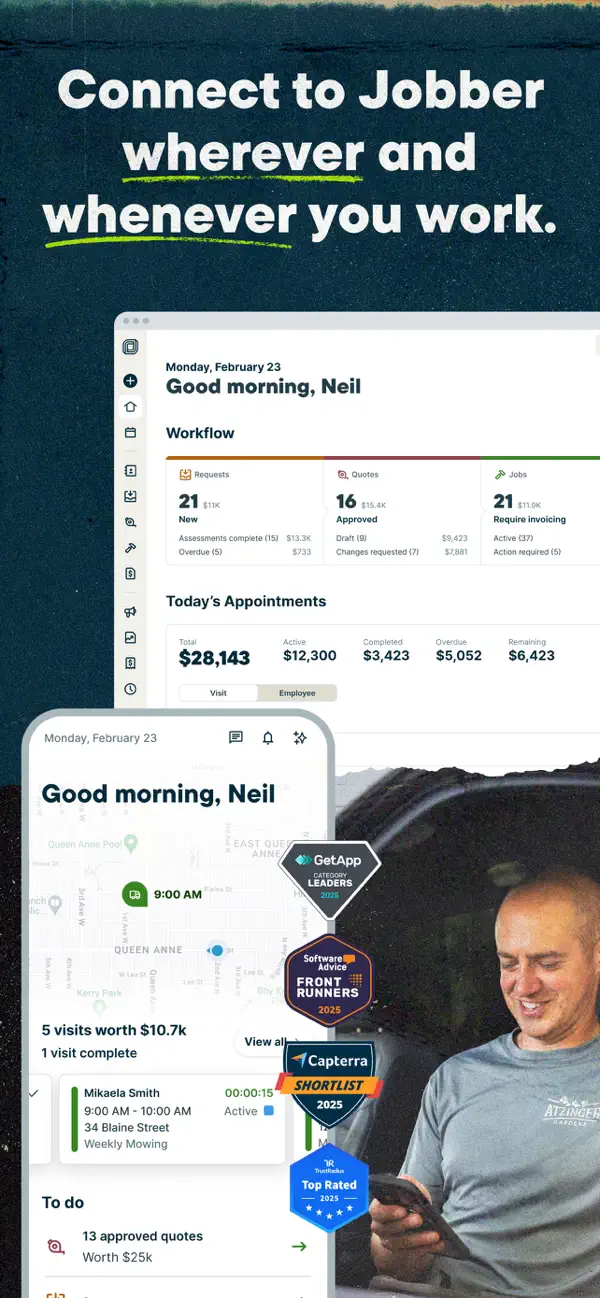
Jobber is a field-service platform for teams that need to schedule work, manage clients, send quotes and invoices, collect payments, and keep jobs moving in the field.
83/100Best forSmall and midsize service businesses
Starting price: From $29/month
Reviewed by TradeToolFinder Editorial Team - Last verified: July 22, 2026. Pricing checked: July 22, 2026.
Primary source: official product information
Buying decision
Short answer
Put Jobber on your demo list if your operation matches "Small and midsize service businesses". Compare it against the alternatives below before signing, because pricing, onboarding effort, and workflow fit can change the real value quickly.
Check pricing context → Compare alternatives →
Visit official website
Strengths
- 14-day trial with full Grow-plan access and no credit card required
- Automated reminders, job documentation, quote and invoice follow-ups
- QuickBooks Online sync and mobile tools for field teams
Watch-outs
- Plan pricing varies by team size, billing commitment, and add-ons
- Advanced multi-crew workflows sit on higher plans
Who this is for
This tool is listed for landscaping and recurring field-service businesses that need to estimate work, schedule crews, dispatch routes, track job progress, invoice, and retain customer history. It becomes more valuable as the operation has more recurring work, assets, and staff in the field.
Test this before buying
Build a real estimate, turn it into a scheduled job, assign it to a crew, update job status in the field, attach photos or notes, then invoice and take payment. For recurring work, check how the system handles a weather delay, route changes, and work that spans several days.
Cost and rollout
Model pricing at your current and expected crew size. Include office and mobile users, route optimization, GPS, payments, accounting sync, automations, and onboarding. Ask how historical customer data and active recurring jobs will be migrated.
Bottom line
The best fit makes daily dispatch clearer for the office and reduces admin work for people doing the job on site.
Alternatives
Compare before you buy.
Next step
Guides that help before a demo.
How to choose software without overbuying
Seven practical questions to answer before you book a software demo.
Read guide →
The real cost of starting-at pricing
A practical way to calculate plan upgrades, fees, add-ons, and migration time.
Read guide →
A practical software migration checklist
Plan a low-risk move from an old system without losing data or bookings.
Read guide →